
• Skip to primary navigation
  • Skip to main content
  • Skip to primary sidebar
Map Happy logo
  • Travel
    • Adventure
    • Leisure
    • Business
      • Loyalty
    • Student
    • Ladies
  • Trip Planning
    • Documentation
      • Customs
      • Passport
      • Visa
    • Reference Charts
    • Itinerary
    • Packing
    • Money
      • Budget
      • Luxury
      • Plastic
    • Technology
      • Photography
      • Connectivity
    • Language
  • Hacks
  • Transit
    • Flights
      • Airlines
      • Security
      • Airports
      • Lounges
    • Lodging
      • Hostels
      • Hotels
      • Vacation Rentals
        • Airbnb
    • Sea
      • Cruises
    • Ground
      • Bus
      • Cars
        • Taxis
          • Lyft
          • Uber
      • Public Transport
      • Trains
  • Expat
  • Features
    • Countries
      • Africa
      • Antarctica
      • Asia
      • Europe
      • North America
      • South America
      • Oceania
    • Guides
    • Culture & Science
    • Interviews
    • Opinion
  • Gear
    • Bags
  • Reviews
  • Tools
menu icon
go to homepage
  • Travel
    • Adventure
    • Leisure
    • Business
      • Loyalty
    • Student
    • Ladies
  • Trip Planning
    • Documentation
      • Customs
      • Passport
      • Visa
    • Reference Charts
    • Itinerary
    • Packing
    • Money
      • Budget
      • Luxury
      • Plastic
    • Technology
      • Photography
      • Connectivity
    • Language
  • Hacks
  • Transit
    • Flights
      • Airlines
      • Security
      • Airports
      • Lounges
    • Lodging
      • Hostels
      • Hotels
      • Vacation Rentals
        • Airbnb
    • Sea
      • Cruises
    • Ground
      • Bus
      • Cars
        • Taxis
          • Lyft
          • Uber
      • Public Transport
      • Trains
  • Expat
  • Features
    • Countries
      • Africa
      • Antarctica
      • Asia
      • Europe
      • North America
      • South America
      • Oceania
    • Guides
    • Culture & Science
    • Interviews
    • Opinion
  • Gear
    • Bags
  • Reviews
  • Tools
    • Facebook
    • Instagram
    • Pinterest
  • subscribe
    search icon
    Homepage link
    • Travel
      • Adventure
      • Leisure
      • Business
        • Loyalty
      • Student
      • Ladies
    • Trip Planning
      • Documentation
        • Customs
        • Passport
        • Visa
      • Reference Charts
      • Itinerary
      • Packing
      • Money
        • Budget
        • Luxury
        • Plastic
      • Technology
        • Photography
        • Connectivity
      • Language
    • Hacks
    • Transit
      • Flights
        • Airlines
        • Security
        • Airports
        • Lounges
      • Lodging
        • Hostels
        • Hotels
        • Vacation Rentals
          • Airbnb
      • Sea
        • Cruises
      • Ground
        • Bus
        • Cars
          • Taxis
            • Lyft
            • Uber
        • Public Transport
        • Trains
    • Expat
    • Features
      • Countries
        • Africa
        • Antarctica
        • Asia
        • Europe
        • North America
        • South America
        • Oceania
      • Guides
      • Culture & Science
      • Interviews
      • Opinion
    • Gear
      • Bags
    • Reviews
    • Tools
    • Facebook
    • Instagram
    • Pinterest
  • ×

    How to Get Great Internet Speed on Your Next Cruise

    Published/Updated: Jul 1, 2025 · Meena Thiruvengadam · 2 minute read

    Daniel Torobekov / Pexels

    Here's all the information that you need so you can binge-watch, stream, and scroll your way through any voyage.

    Here's what to expect and how to optimize that Wi-Fi connection onboard by being mindful of the itinerary, and most importantly, the type of connection a ship may offer onboard. Lots of cruise ships make it easy to stay connected at sea nowadays but not all Wi-Fi networks are equal.

    If the best Wi-Fi at sea is what you're really after, select a smaller ship with satellite broadband service and an itinerary that doesn't include stops in places like Antarctica.

    Kabir Bageria, a cruise director who's worked for Royal Caribbean, Celebrity Cruises and Carnival Cruise Line, says broadband at sea is far better than it was just a few years ago.

    "It's become far more reliable now, and it's getting cheaper, but know the limitations," he says.

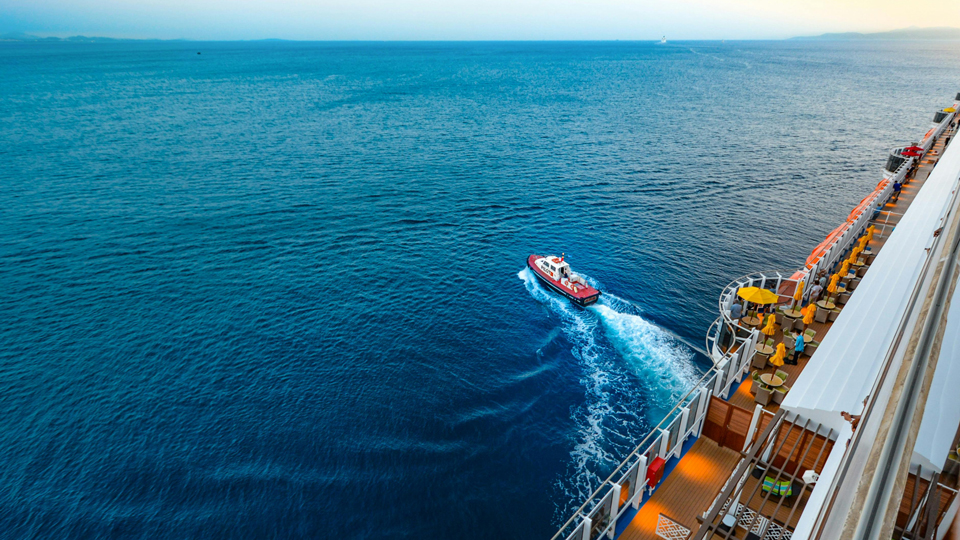
    Expect peak usage in the evenings, on sea days and after passengers return to the ship after excursions: It will all dramatically slow speeds down.
    • Save

    (Pixabay / Pexels)

    Pro Tip:

    If the Internet is nearly unusable, it is possible to ask for a refund. But it would be good to know before that Zoom meeting, no?

    Great internet starts at booking.

    If a good Wi-FI connection is a priority, confirm the ship is equipped with satellite Wi-FI, especially if the cruise line is still upgrading its broadband connectivity.

    Look for coastal itineraries and smaller ships where there are likely to be fewer passengers to share bandwidth with and more stable connectivity.

    Once that cruise is booked, begin counting down to that vacation and prepare to set sail without signing off.
    • Save

    (id23/ Pexels)

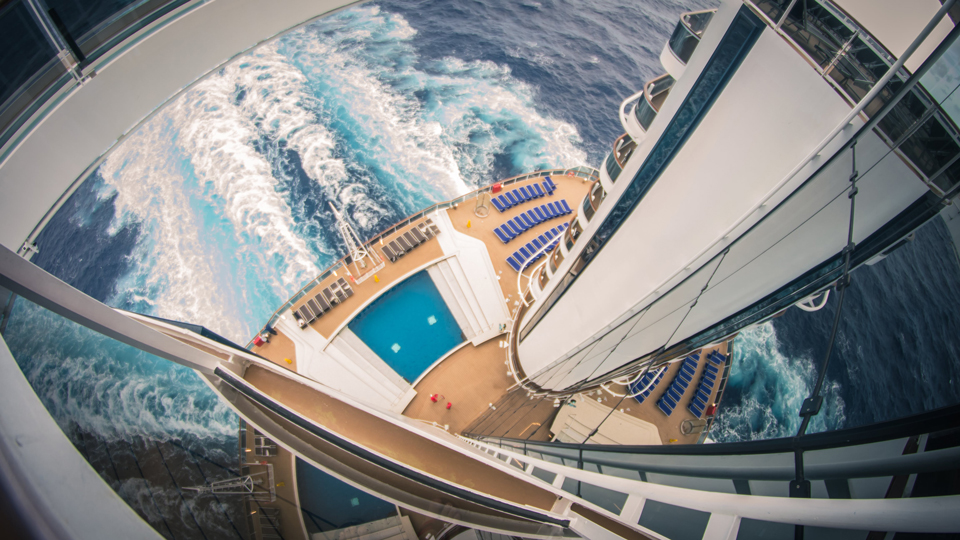
    Choose a Starlink connection for a fast connection.

    For the fastest connections from the farthest flung parts of the world, opt for a ship that uses a Starlink Internet connection. Starlink can support those Netflix and Spotify habits almost anywhere on Earth.

    Binge a favorite show while island-hopping through the Caribbean. Or have a movie night cabin while sailing the Mediterranean. Stream the soundtrack to a dream vacation while taking in a scenic coastline, or head online to research the wildlife along the journey.

    Celebrity, Royal Caribbean, Holland America Line and many others are embracing Starlink as part of their Internet offerings.

    For instance, MSC offers Starlink on its well-equipped mega-ships. It also offers satellite broadband on its smaller luxury ship, the Explora Journeys 1, which feels more like a hotel than a ship. That ship, in particular, accommodates only 1,000 passengers or less.

    Prefer a smaller ship? Consider Atlas Ocean Voyages or Aurora Expeditions whose ships are equipped with Starlink and accommodate fewer than 200 passengers.

    Expect cruise Wi-Fi to be expensive.

    Cruise ship Wi-Fi isn't as expensive as it used to be, but it still isn't cheap. For the best prices, book Wi-Fi packages before a voyage begins.

    For instance, Carnival offers up to a 15% percent savings by prebooking. Though it doesn't seem like a lot, when you're talking about $12-18 per day, against the length of the voyage, things multiply pretty quickly. (Celebrity is the same as Carnival.)

    Some cruise lines like Crystal Cruises, Silversea and Celebrity include Internet access in cruise fares. Others include Wi-Fi with certain types of bookings. Most sell Wi-Fi access in minutes, daily or full voyage increments.

    Celebrity ships use Starlink and users report being able to stream their favorite programs in many parts of the world for an additional charge.

    On Norwegian Cruise Line guests can expect to pay around $30 per day for Internet access. To get around the fee, book in premium classes. For instance, the Haven, Norwegian's premium section, has Wi-Fi included in its fare.

    That said, if you want to avoid surprise charges, switch on Airplane Mode to avoid surprise roaming charges at sea, because they do still happen.

    Connectivity isn't available everywhere on the high seas.

    Lots of cruise lines are embracing satellite connectivity, but there are some places where speedy connections are harder to make.

    Starlink Internet is just making its way to the Galapagos, for example.
    • Save

    If your cruise looks more like this.... (Matheus Guimarães / Pexels)

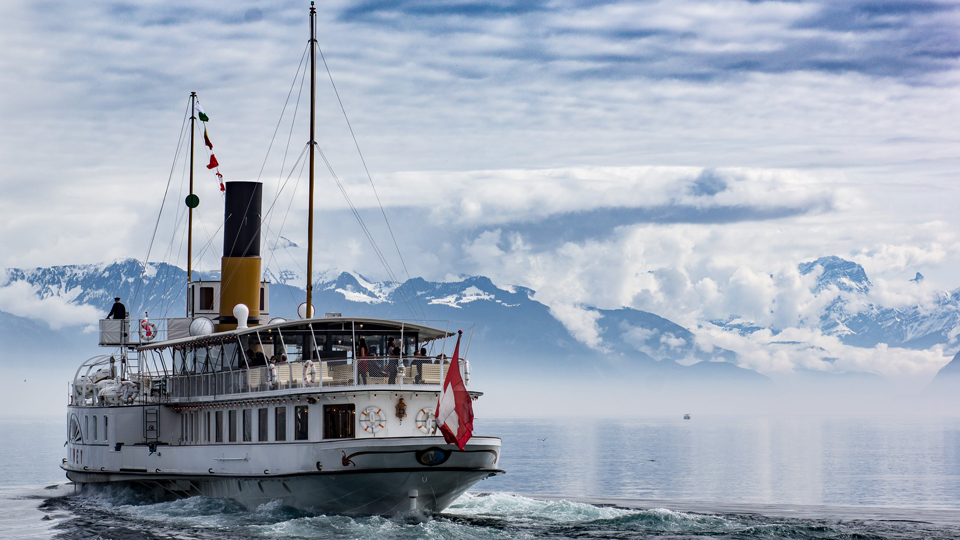
    Connectivity can be spotty in some stretches of water, like south of the Drake Passage on Antarctic sailings or in the middle of the North Atlantic Ocean, and connections won't be as fast as they are on land.

    If you're traveling on a remote itinerary, confirm the cruise line has satellite broadband and ask about the quality of the connection.

    There are spots, simply, where it is not possible to maintain a stable connection, and these typically tend to be in the middle of the ocean. It turns out, there are limitations to technology.
    • Save

    Popular Posts

    Review: Around the World With the Monos Carry-On in 100 Days

    The Difference Between Polycarbonate and Aluminum Suitcases

    Primary Sidebar

    TL;DR

    Choose a smaller ship with satellite broadband service and a coastal itinerary, avoiding remote destinations. Consider booking a cruise line like MSC, Celebrity, or Royal Caribbean that offers Starlink for faster and more reliable connections. Be aware of potential peak usage times.

    👉 Add Map Happy to Google Preferred Sources

    Some posts contain affiliate links.
    These links support our work.
    This is our official policy on generative AI use.


    Meena Thiruvengadam

    Meena Thiruvengadam is the founder and editor-in-chief of travelwithmeena.com and a contributor to publications including Conde Nast Traveler, Lonely Planet and Travel+Leisure.

    The good ol' days! I remember creeping as a former The good ol' days! I remember creeping as a former expat, and honestly, stumbling into the most random places as a traveler  😅 

It is not every day you stumble into someone else's living room for a private jazz concert, and if you happen to be down in Mexico City, check out @laa_esquina (send a DM!). 

Twice a month. It's the best kind of Saturday night, even if I can't stay up that late anymore!
    Follow on Instagram

    Footer

    ↑ back to top

    About

    • Privacy
    • Editorial Guidelines
    • Terms of Service
    • AI Disclosure

    Follow

    • email updates

    Contact

    FAQ


    Copyright © 2024 Map Happy

    • Facebook
    • Pinterest
    • Twitter
    • Reddit
    • WhatsApp
    • Email
    • Print